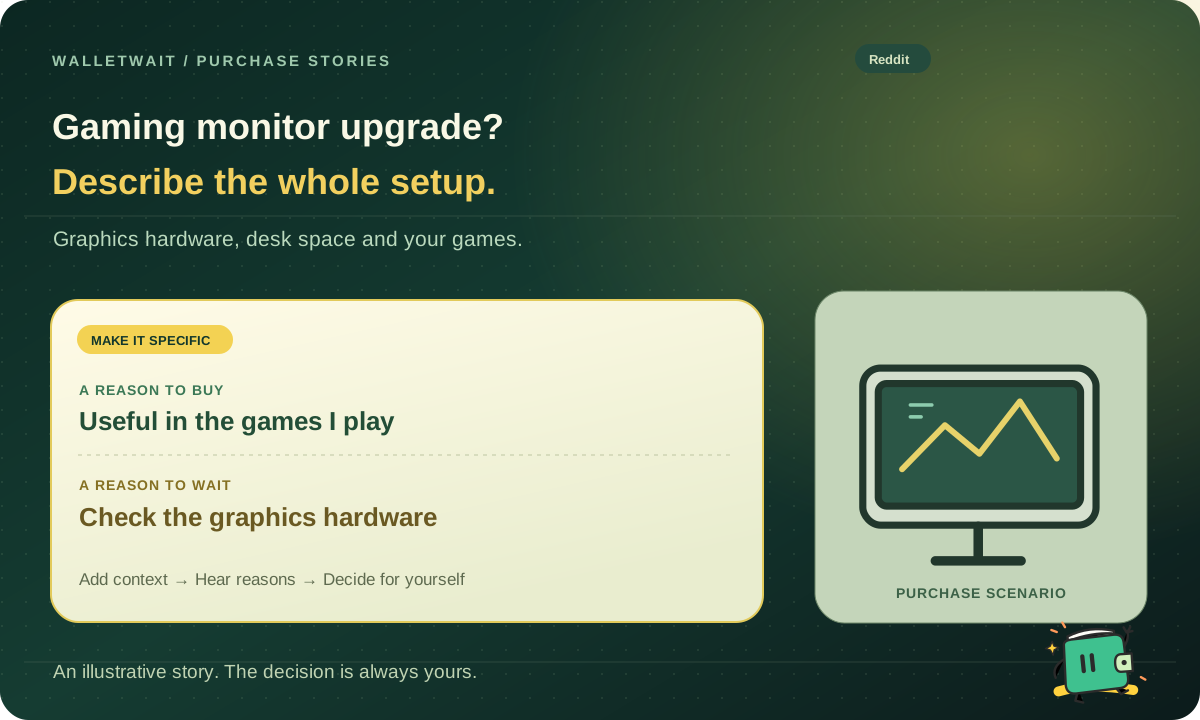
A gaming monitor: assess the whole setup first
I want a high-refresh-rate screen, but am unsure whether my hardware and games can use it. The desk is shallow. Should I upgrade now or adjust the setup first?
- Record hardware, games, settings, actual performance and viewing distance.
- Verify ports and compatibility, then add the quote, purpose and existing-screen alternative to Walletwait.
- Ask for reasons tied to the setup, try it if needed and decide at the endpoint.
Illustrative scenario · Advice does not replace your decision or verification of seller information
01 / THE PURCHASE QUESTION
State the current limitation
Describe resolution, game type, settings and measured experience. Are you seeking clarity, smoothness or workspace? A larger number does not answer all three.
Use specialist communities to identify compatibility checks and measurements before buying a specification you may not use.
02 / THE PURCHASE QUESTION
Include the desk and daily work
Size, viewing distance, stand depth and work software affect the experience. Another person’s ideal setup may not fit your room.
In Walletwait, include the quote, current screen and purpose. Keep rearranging or continuing to use it as alternatives, and ask for reasons tied to that setup.
Tell the community your desk depth, usual resolution, and two games you play regularly. Mention whether you also read documents on the display. Use the guide to asking for public feedback to add your budget and ask what people with a similar desk would trade for a higher refresh rate.
03 / THE PURCHASE QUESTION
Turn community experience into your next step
Verify factual issues such as ports and desk depth. For subjective experience, ask about the other person’s games and viewing conditions.
Finish the consultation at a configured point and choose a trial, delay or purchase. Relevance to your own setup matters more than popularity.
When should you use Walletwait or Reddit?
Walletwait
Establish the hardware, desk and game requirements first, then collect reasons about your monitor upgrade in Walletwait.
Relevant Reddit communities can help investigate graphics compatibility, ports and game-specific experience.
How do scores and TOP labels work?
Written by the Walletwait team using current product functionality and the official sources below. Scores describe fit for asking people about a purchase: 5/5 for a built-in workflow, 3/5 for general-purpose support, 1/5 for an adjacent purpose, and no score when documentation is unclear. The same scale applies to both products; there is no overall ranking.
Stars are editorial workflow-fit evaluations, not customer ratings, independent tests or measured outcomes. TOP identifies a native Walletwait workflow we recommend for this purpose, not a third-party award. Research, deals and budgets have their own appropriate tools. Sources checked November 1, 2026.